
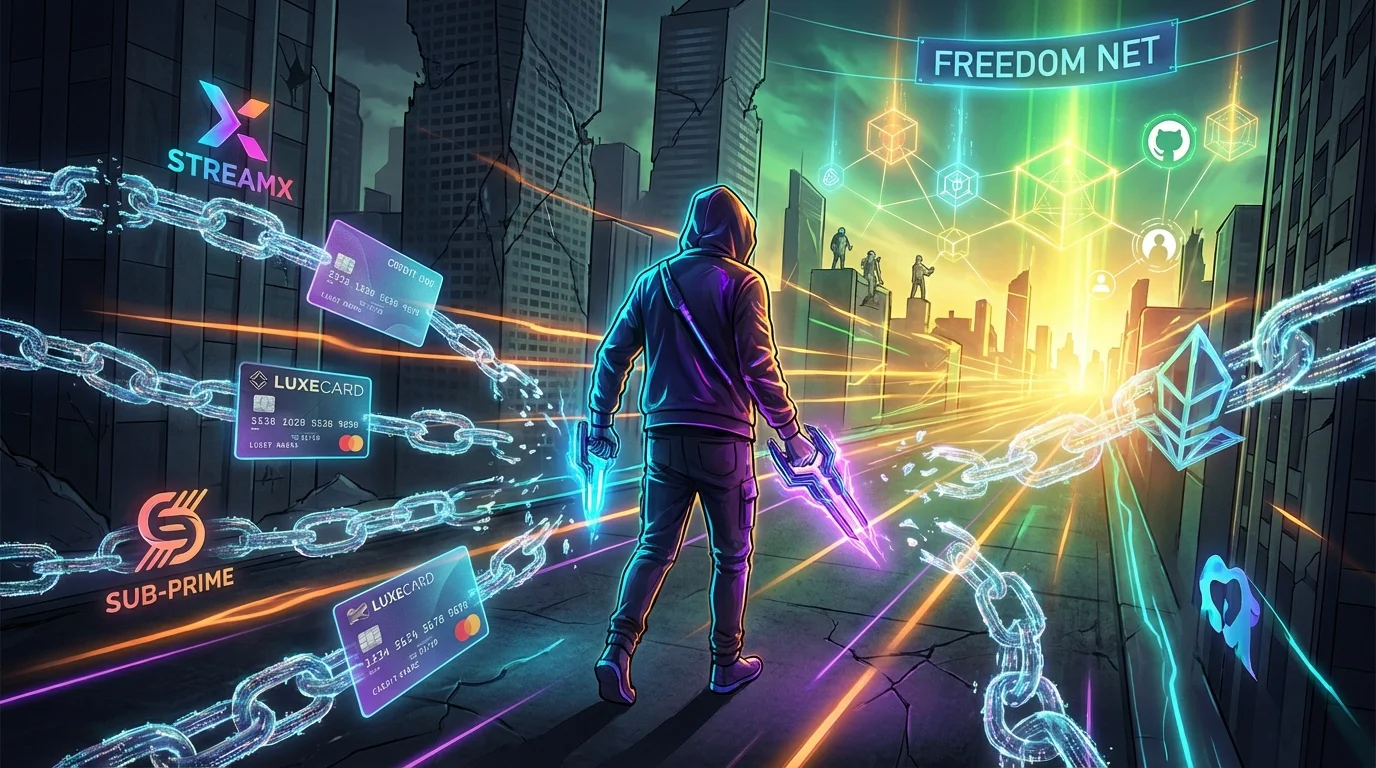
The Great Subscription Fatigue
Remember when you could just buy software once and own it forever? Those days feel like a distant memory. Today, we are trapped in the “Subscription Economy.” Ten dollars a month for a note-taking app, twenty dollars for photo editing, fifteen for a password manager—before you know it, you are bleeding hundreds of dollars a month just to keep your digital life running. This phenomenon is known as subscription fatigue, and it is draining both our wallets and our patience.
But what if there was a way to break free? Enter the world of Open-Source Software (OSS). Once considered the domain of hardcore programmers and Linux enthusiasts, open-source applications have evolved dramatically. Today, they are sleek, incredibly powerful, user-friendly, and most importantly: 100% free. By switching to open-source alternatives, you are not just saving money; you are reclaiming your digital privacy, as these apps do not harvest your data to sell to advertisers or train AI models. Here are 10 incredible open-source apps that aren’t just “good enough”—they actually outperform their expensive, paid counterparts.
1. Bitwarden (Replaces LastPass & 1Password)
Password managers are no longer optional, but paying for them should be. When LastPass heavily restricted its free tier and suffered high-profile security breaches, millions flocked to Bitwarden. Why it is better: Bitwarden is completely open-source, meaning its code is regularly audited by security experts worldwide. There are no hidden backdoors. Its free tier offers unlimited passwords across unlimited devices, something almost no paid competitor offers anymore.
2. GIMP (Replaces Adobe Photoshop)
Adobe’s transition to the Creative Cloud subscription model infuriated many casual creatives and small business owners. GIMP (GNU Image Manipulation Program) is the ultimate antidote. Why it is better: GIMP has been refined over decades. It supports layers, highly advanced photo retouching, customizable brushes, and complex filters. While the interface has a slight learning curve if you are used to Adobe, GIMP is incredibly lightweight, runs on almost any hardware, and costs exactly zero dollars a month.
3. Nextcloud (Replaces Dropbox & Google Drive)
Are you tired of constantly hitting your 15GB Google Drive limit and being badgered to upgrade to a paid tier? Nextcloud is your personal, private cloud. Why it is better: Instead of trusting a massive tech conglomerate with your private photos and sensitive documents, Nextcloud allows you to host your own cloud storage. It offers document editing, calendar syncing, and video calling. You are in total control of your data, making it a dream for privacy advocates.
4. Joplin (Replaces Evernote & Notion)
Evernote recently hiked its prices and severely limited free accounts, leaving long-time users scrambling. Joplin is the perfect life-raft. Why it is better: Joplin is a superb open-source note-taking application that supports Markdown, inline images, and complex to-do lists. Best of all, it offers true end-to-end encryption to keep your thoughts completely private. You can sync it across all your devices using your own cloud storage (like Nextcloud or even Dropbox).
5. LibreOffice (Replaces Microsoft 365)
Microsoft Word and Excel are industry standards, but renting access to them via Microsoft 365 is a heavy ongoing expense. Why it is better: LibreOffice provides a fully featured word processor, spreadsheet application, and presentation software package. It natively reads and writes Microsoft formats (.docx, .xlsx, .pptx) flawlessly. You get all the offline processing power you need without the annual “Office Tax.”
6. Kdenlive (Replaces Adobe Premiere Pro)
Video editing software is notoriously expensive. Adobe Premiere Pro requires a hefty monthly fee that eats into a freelance creator’s profits. Why it is better: Kdenlive is an open-source non-linear video editor that packs a serious punch. It supports multi-track editing, a vast array of audio and video formats, hardware acceleration, and advanced color grading. It is the perfect tool for YouTubers and filmmakers who want professional results without the premium price tag.
7. OBS Studio (Replaces Camtasia & XSplit)
OBS (Open Broadcaster Software) Studio is the rare open-source app that has completely dominated its commercial competitors. Why it is better: If you watch a Twitch stream or a professional YouTube tutorial, chances are it was recorded using OBS. It is the undisputed king of screen recording and live streaming. It allows for limitless scene customization, professional audio mixing, and seamless integration with multiple streaming platforms—all for free.
8. Inkscape (Replaces Adobe Illustrator)
Vector graphic design is essential for logos, typography, and scalable illustrations. Why it is better: Inkscape is to Illustrator what GIMP is to Photoshop. It boasts an incredibly active community that constantly develops new extensions. Its robust feature set includes advanced node editing, complex path operations, and broad file format compatibility. For designers looking to cut overhead costs, Inkscape is a professional-grade miracle.
9. Jitsi Meet (Replaces Zoom)
Zoom fatigue is bad enough without having to worry about paying for premium plans to bypass the annoying 40-minute meeting limit. Why it is better: Jitsi Meet is a fully encrypted, open-source video conferencing tool. You do not even need to create an account to use it. Simply generate a link, share it with your team, and start talking. There are no arbitrary time limits and no premium tiers hiding basic functionality.
10. Audacity (Replaces Adobe Audition)
For podcasters and audio engineers, Audacity is a household name. Why it is better: While paid tools offer flashy interfaces, Audacity delivers pure, unadulterated performance. It supports multi-track audio editing, deep noise reduction, and a massive library of third-party plugins. Whether you are recording a quick voiceover or editing a full-length podcast, Audacity remains an unbeatable powerhouse.
The Financial Impact: How Much You Really Save
Let’s break down the sheer amount of money you are saving by switching away from the standard commercial SaaS stack.
| Software Category | Paid App (Approx. Yearly Cost) | Open-Source Alternative | Yearly Savings |
|---|---|---|---|
| Office Suite | Microsoft 365 ($70) | LibreOffice | $70 |
| Creative Suite | Adobe Creative Cloud ($650) | GIMP, Inkscape, Kdenlive | $650 |
| Password Manager | 1Password ($36) | Bitwarden | $36 |
| Notes & Productivity | Evernote Personal ($130) | Joplin | $130 |
| Total Potential Savings | — | — | $886+ per year! |
By simply replacing four core components of your digital workflow, you can put almost $1,000 back into your pocket every single year. Imagine what you could do with that extra cash.
Supercharge Your Workflow with AI
Want to automate your daily tasks completely and save even more time? Access a massive library of cutting-edge AI assistants tailored for productivity.
Comprehensive FAQ Section
1. Is Open-Source Software safe to use?
Yes! In fact, many cybersecurity experts consider open-source software to be safer than closed-source (proprietary) software. Because the source code is public, thousands of developers worldwide can inspect it for vulnerabilities and patch them rapidly. There are no hidden tracking scripts or corporate backdoors.
2. How do open-source developers make money?
Open-source projects rely on a variety of funding models. Many accept community donations (via platforms like Patreon or GitHub Sponsors). Others offer paid enterprise features, prioritized support, or managed cloud hosting for corporate clients, allowing them to keep the core software totally free for individual users.
3. Do I need to know how to code to use these apps?
Not at all. The notion that open-source software is only for programmers is an outdated myth. All the apps listed in this article come with standard, easy-to-use installers for Windows, Mac, and Linux. You simply download the file, click install, and use it just like any regular application.
4. Will open-source apps run on my Mac or Windows PC?
Yes. The vast majority of modern open-source applications are “cross-platform,” meaning they are built to work seamlessly across Windows, macOS, and various Linux distributions. Many also have dedicated mobile apps for iOS and Android.
Conclusion: Make the Switch Today
Breaking out of the subscription trap is empowering. It forces you to re-evaluate what you actually need out of your software. You don’t need a massive corporation renting you access to your own creativity and productivity. Open-source software puts the power back in the hands of the user. Try downloading just one app from this list today—perhaps Bitwarden or LibreOffice—and take your first step toward digital freedom. Your wallet will thank you.