 11
11
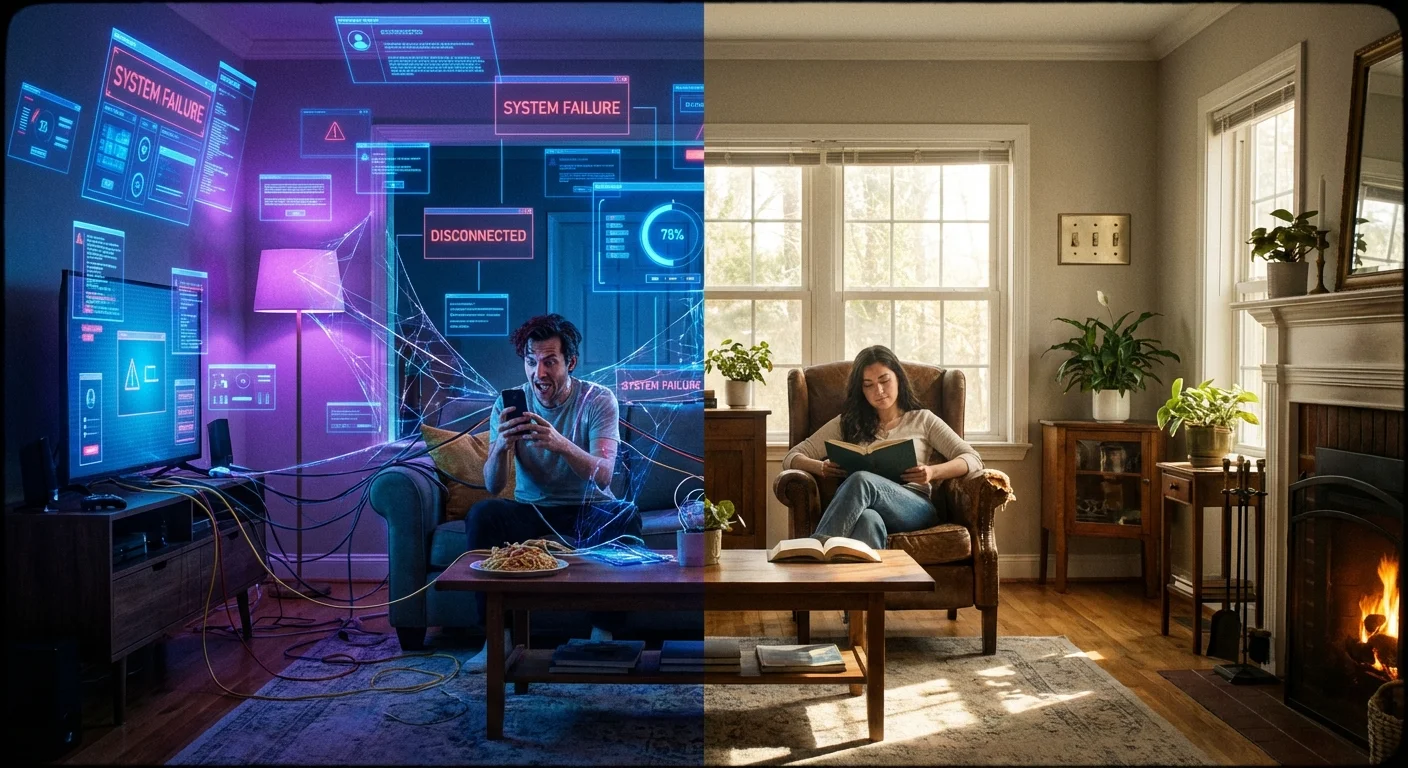
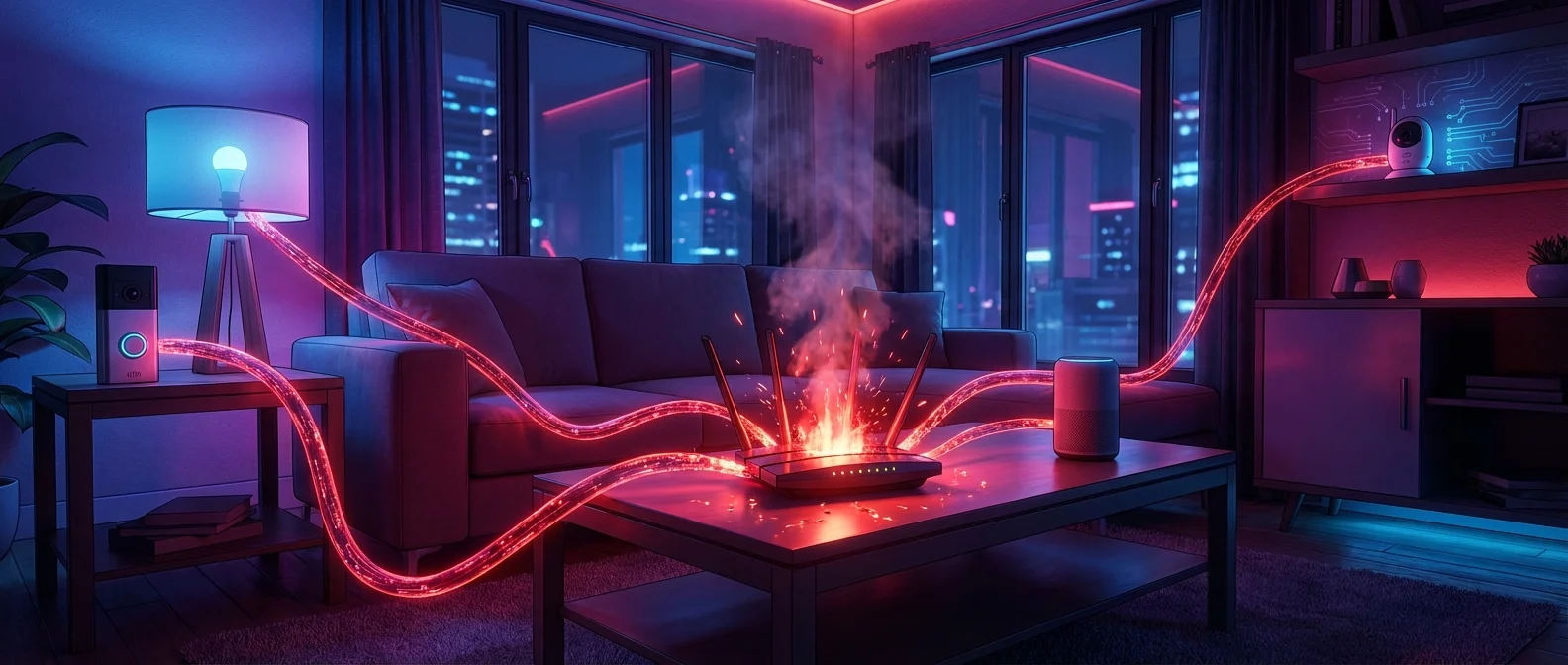
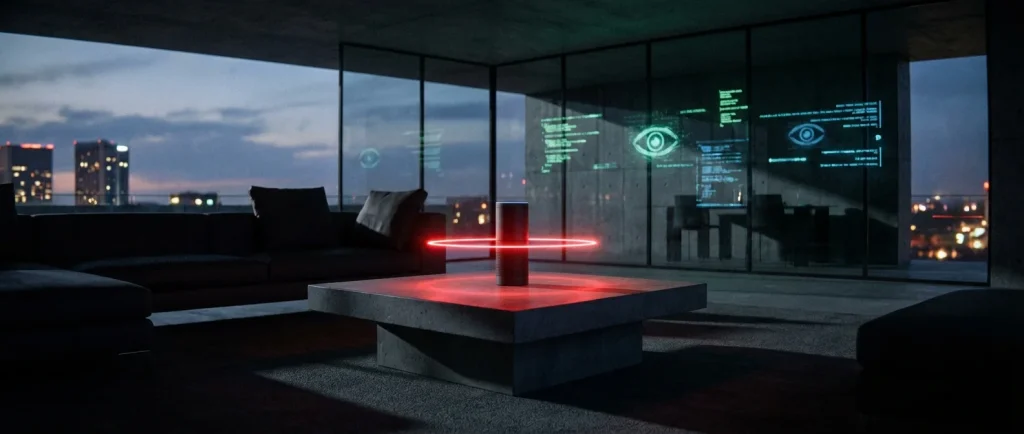
It sounds like the plot of a dystopian sci-fi movie: you walk into your living room, ask the air to turn on the lights, and an invisible entity immediately complies. While smart home technology has undeniably revolutionized our daily lives, transforming mundane tasks into effortless voice commands, it has also introduced a Trojan Horse of surveillance into our most intimate spaces. The unsettling truth is that your smart home might be spying on you. From smart speakers that record your arguments to televisions that track your viewing habits pixel by pixel, convenience often comes at the steep price of your personal privacy.
If you have ever talked about a niche product with your spouse, only to see an advertisement for it on your phone ten minutes later, you have experienced the chilling sensation of digital eavesdropping. But how deep does the rabbit hole go? Manufacturers assure us that data collection is purely to “improve user experience,” yet cybersecurity experts consistently uncover hidden settings that act as an open window for data brokers, hackers, and aggressive marketers. It is time to take back your privacy. Here are the four creepiest smart home settings that are actively monitoring you, and exactly how you can disable them right now.
When you say “Hey Siri,” “Alexa,” or “Ok Google,” your device springs to life. But what happens to the audio it captures? You might assume that once your query is answered, the audio evaporates into the digital ether. Unfortunately, that is far from reality. By default, many major voice assistants are configured to keep an audio history of your commands. Worse still, they often capture audio snippets before and after the “wake word” is spoken, meaning they can accidentally record private conversations, phone calls, and background chatter.
Tech giants have previously admitted that these audio clips are sometimes reviewed by human contractors to “improve speech recognition.” This means a stranger could literally be listening to the audio captured in your bedroom or kitchen. The thought of thousands of intimate moments sitting on a remote server is deeply unsettling.
Smart TVs are notoriously inexpensive these days, and there is a sinister reason for that: you are no longer just buying a TV; you are the product being sold. The secret weapon of the smart TV industry is a technology called Automatic Content Recognition (ACR). ACR works by taking tiny visual fingerprints (or literal screenshots) of whatever is playing on your screen every second. It doesn’t matter if you are watching cable, streaming a movie, or playing a video game—ACR analyzes the pixels, identifies the content, and builds an incredibly detailed profile of your viewing habits.
This data is then sold to data brokers and advertisers to hit you with hyper-targeted ads across all your devices. Because your TV is connected to your home Wi-Fi network, advertisers can link your viewing profile to your smartphone, laptop, and even your physical location. It is a massive intrusion of privacy that happens entirely behind the scenes.
Robot vacuums are incredibly convenient, effortlessly keeping your floors spotless while you relax. To navigate around your furniture without constantly bumping into walls, modern high-end robot vacuums use built-in cameras, LiDAR, and spatial sensors. While this makes them efficient cleaners, it also makes them incredibly potent data-gathering machines. Your robot vacuum is actively creating highly detailed floor plans of your home, noting the location of your sofa, the size of your bedroom, and even identifying specific obstacles (like shoes or pet waste) using AI image recognition.
While companies claim these maps stay strictly on the device, privacy policies often leave room for this spatial data to be shared with “trusted partners” to improve smart home ecosystems. In one infamous incident, internal development images captured by a popular robot vacuum—including a highly sensitive photo of a person in the bathroom—ended up leaked on social media after being accessed by data labelers. The geometry of your home is private, and it should stay that way.
Many smart home apps ask for your phone’s location data to enable “geofencing” features. The pitch sounds great: your thermostat will automatically turn down when you leave for work, and your porch lights will turn on when you pull into the driveway. However, granting permanent “Always On” location access to a smart plug or lightbulb app from a company you have barely heard of is a massive security risk.
These apps often come from white-label manufacturers with notoriously lax security standards. By tracking your location 24/7, they know exactly when your house is empty, where you work, and what your daily routines are. This data is incredibly valuable to marketers—and incredibly dangerous if intercepted by malicious actors. There is simply no reason a smart lightbulb needs a real-time GPS feed of your physical whereabouts.
If you’re concerned about rogue smart tech, empower yourself by learning how to properly deploy AI with this exclusive bundle of 100+ secure AI assistants designed to boost your productivity safely.
To help you conduct a quick privacy audit of your smart home, we have compiled a summary of the devices, their creepy settings, and the immediate actions you should take to lock down your personal data.
| Device Type | Creepy Setting | Privacy Threat Level | Immediate Action Required |
|---|---|---|---|
| Smart Speakers | Audio History & Transcripts | High (Eavesdropping) | Delete audio logs and opt out of human review. |
| Smart TVs | Automatic Content Recognition (ACR) | High (Data Brokering) | Disable ACR and Limit Ad Tracking in TV settings. |
| Robot Vacuums | Spatial Mapping & Image Sharing | Medium (Physical Mapping) | Opt out of map sharing and image uploads in the app. |
| Smart Home Apps | Continuous Geofencing (Location) | Severe (Physical Tracking) | Revoke “Always On” GPS permissions on your phone. |
Your home should be your sanctuary—a place where you can speak freely, watch what you want, and live without the creeping anxiety of being monitored by a corporate algorithm. While we don’t have to throw our smart devices into the nearest river and go completely off the grid, practicing good digital hygiene is no longer optional; it is a modern necessity. By taking a few minutes to audit the settings on your voice assistants, televisions, robot vacuums, and smartphones, you can significantly reduce your digital footprint and lock the virtual doors to your home. Don’t let convenience blind you to surveillance. Take control of your settings today, before your data is packaged and sold to the highest bidder.
If a device is “sleeping” but plugged in (like a smart speaker), its microphone is still actively listening for the wake word. It is not “off” in the traditional sense. The only way to ensure a device cannot listen is to unplug it entirely or use a physical microphone mute switch, which physically cuts power to the mic.
Indoor smart cameras pose significant privacy risks, especially if they are connected to the cloud. Hackers have previously breached weakly secured accounts to view live feeds inside homes. If you must use indoor cameras, ensure they support end-to-end encryption, use a strong, unique password, enable two-factor authentication (2FA), and consider pointing them only at entryways rather than private living spaces.
This depends heavily on the brand. Companies like Apple (HomeKit) process most data locally on your device and emphasize privacy. Other brands may subsidize the cost of cheap hardware by collecting and monetizing metadata about how and when you use your devices. Always read the privacy policy and opt out of data sharing during the initial setup.
It doesn’t! This is a classic example of excessive permission requests by cheap, white-label smart home apps. They harvest your contact list to sell to data brokers or for aggressive marketing. You should completely deny contact, microphone, and camera access to any basic smart home app unless absolutely necessary for a specific feature you are actively using.
Yes, but installing a VPN directly on individual smart home devices is often impossible. Instead, you can install a VPN directly on your Wi-Fi router. This encrypts the internet traffic for all devices connected to your network, preventing your Internet Service Provider (ISP) from tracking your smart device usage, though it won’t stop the device manufacturers themselves from collecting data if you haven’t disabled the in-app settings.