
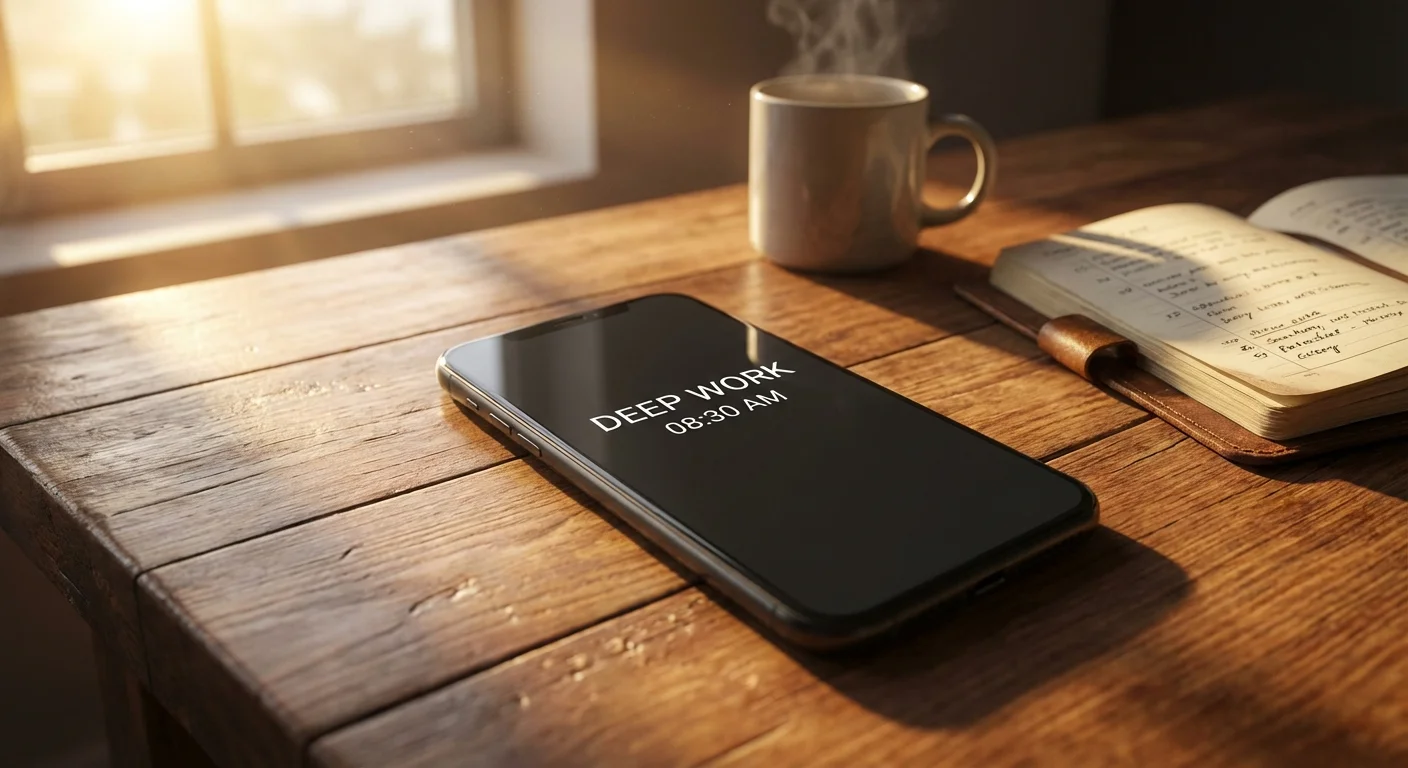
I stared at my screen time report in absolute horror. Seven hours and forty-two minutes. That was the average amount of time I was spending on my smartphone every single day. Nearly eight hours of my waking life were evaporating into a digital void of infinite scrolls, algorithmic outrage, and fleeting dopamine hits. If you are reading this, there is a high probability you know exactly what I am talking about.
We tell ourselves we are just going to ‘check’ Instagram, TikTok, or Twitter for five minutes. An hour later, we emerge from a trance, feeling exhausted, anxious, and deeply unproductive. I tried everything to stop doomscrolling. I tried relying on sheer willpower. I tried setting app timers (which I simply bypassed with a tap). I even tried putting my phone in another room, but the phantom vibrations kept calling me back.
The brutal truth is this: your willpower is no match for trillion-dollar tech companies that employ thousands of behavioral psychologists to keep your eyeballs glued to the screen. To win this war, you do not need more discipline. You need a better system. You need the Monk Mode Smartphone Setup.
What is Monk Mode?
In the productivity world, ‘Monk Mode’ is a period of deep, uninterrupted focus where you cut out all distractions to work on your goals. But applying this to a smartphone does not mean throwing your device into a lake. It means completely neutralizing the psychological triggers that make the phone addictive, transforming it from a portable slot machine back into what it was originally meant to be: a simple, boring tool.
Here is the exact, step-by-step Monk Mode setup I used to instantly cure my doomscrolling habit, regain over three hours of my day, and completely rewire my brain for deep focus.
Step 1: The Grayscale Awakening
The single most effective tweak you can make to your phone takes less than thirty seconds. You must turn your screen completely black and white. Smartphones are incredibly vibrant for a reason. Those bright red notification badges, colorful app icons, and high-definition autoplaying videos are designed to trigger dopamine release in your brain.
By turning on grayscale mode, you strip away the digital candy. Suddenly, Instagram photos look dull. Video feeds lose their hypnotic appeal. Your brain stops registering the phone as a source of cheap pleasure.
- On iOS: Go to Settings > Accessibility > Display & Text Size > Color Filters. Turn them on and select Grayscale.
- On Android: Go to Settings > Accessibility > Visibility enhancements > Color adjustment > Grayscale.
Step 2: The Ruthless App Purge (The Browser-Only Rule)
Next, we must eliminate the ‘infinity pools.’ An infinity pool is any app that offers an endless feed of content. Social media apps, news aggregators, and short-form video platforms fall into this category. You must delete their native apps from your phone immediately.
But wait, what if you need to check them for work or stay connected with friends? Here is the secret: The Browser-Only Rule. You are allowed to use social media on your phone, but only through the mobile web browser. You must not save your passwords, meaning you have to log in manually every single time. The user experience on mobile web browsers is clunky and frustrating compared to the native apps. This intentional friction is exactly what breaks the subconscious habit loop of ‘unlock phone, tap app, scroll.’
Step 3: The Minimalist Launcher
Your home screen is the lobby of your digital life. If it is cluttered with rows of apps, folders, and widgets, your brain is immediately overwhelmed with choices and distractions upon unlocking. The Monk Mode setup requires a minimalist approach.
If you are on Android, you have a massive advantage. You can download minimalist launchers like ‘Olauncher’ or ‘Niagara Launcher.’ These replace your grid of colorful icons with simple, elegant text lists. Your home screen becomes a blank wallpaper with just words like ‘Phone’, ‘Messages’, and ‘Camera’. If you are on an iPhone, you can achieve a similar effect by using the ‘Shortcuts’ app to create custom, boring black-and-white text icons for your essential apps, and hiding every other page of your home screen.
Step 4: Strategic Notification Silencing
Notifications are someone else’s agenda interrupting yours. In Monk Mode, your phone is never allowed to beep, buzz, or light up unless a real human being urgently needs you. Turn off ALL notifications for social media, news alerts, email, and games. Leave notifications on ONLY for phone calls, text messages, and your calendar.
Comparing the Setups: Standard vs. Monk Mode
| Feature | Standard Setup | Monk Mode Setup | Psychological Effect |
|---|---|---|---|
| Color Profile | Vivid, HDR Colors | Strictly Grayscale | Kills dopamine release, makes the phone unappealing. |
| Home Screen | Grids, folders, widgets | Text-only, single page | Reduces decision fatigue and visual clutter. |
| Infinity Pools | Native apps installed | Deleted (Web-browser only) | Introduces high friction to stop mindless opening. |
| Notifications | Constant pinging | VIP human-only alerts | Restores control over your attention span. |
Supercharge Your Monk Mode Focus
Ready to deeply rewire your brain for maximum productivity and wealth creation while you cut out the digital noise?
The Results: Life After 30 Days of Monk Mode
The first three days of this setup were agonizing. My thumb would instinctively swipe to where the Instagram app used to be, only to find empty space. I would unlock my phone, stare at the dull, black-and-white text menu, feel a pang of boredom, and lock it again. My brain was screaming for its digital pacifier.
But by day four, something miraculous happened. The fog began to lift. Because my phone was no longer an entertainment device, I started bringing a book with me to coffee shops. I started engaging in actual conversations while waiting in lines. My anxiety plummeted because I was no longer consuming the world’s tragedies through a tiny glowing rectangle every morning. Most importantly, my focus skyrocketed. I went from struggling to work for twenty uninterrupted minutes to easily engaging in two-hour deep work sessions.
The Monk Mode smartphone setup does not disconnect you from the modern world; it reconnects you with the real one. It gives you back the most valuable asset you have: your time.
Frequently Asked Questions (FAQ)
1. Can I easily toggle grayscale on and off when I need to see a photo?
Yes! On both iOS and Android, you can set up an ‘Accessibility Shortcut.’ On an iPhone, you can configure it so that triple-clicking the side power button instantly toggles grayscale on and off. This allows you to quickly view a photo in color and instantly switch back to boring mode.
2. Won’t I miss important work emails if I turn off notifications?
Unless your job requires life-or-death emergency responses via email, you do not need push notifications. Instead, schedule specific blocks of time (e.g., 9 AM, 1 PM, and 4 PM) to intentionally open your email app, process your inbox, and close it. This batching method is infinitely more productive than reacting to every ping.
3. What if I genuinely need social media for my business?
If you are a creator or marketer, you should view social media as an output platform, not an input platform. Use desktop scheduling tools to post your content. If you must use your phone, schedule a 15-minute timer to engage, and then delete the app again. Keep the creation process strictly separated from the consumption process.
4. How long does the ‘withdrawal’ period last?
For most people who are heavy scrollers, the phantom buzzes and instinctive unlocking habit take about 3 to 7 days to fade. By week two, the compulsion to constantly check your phone will drastically decrease, and you will begin to enjoy the quiet clarity of digital minimalism.