
 11
11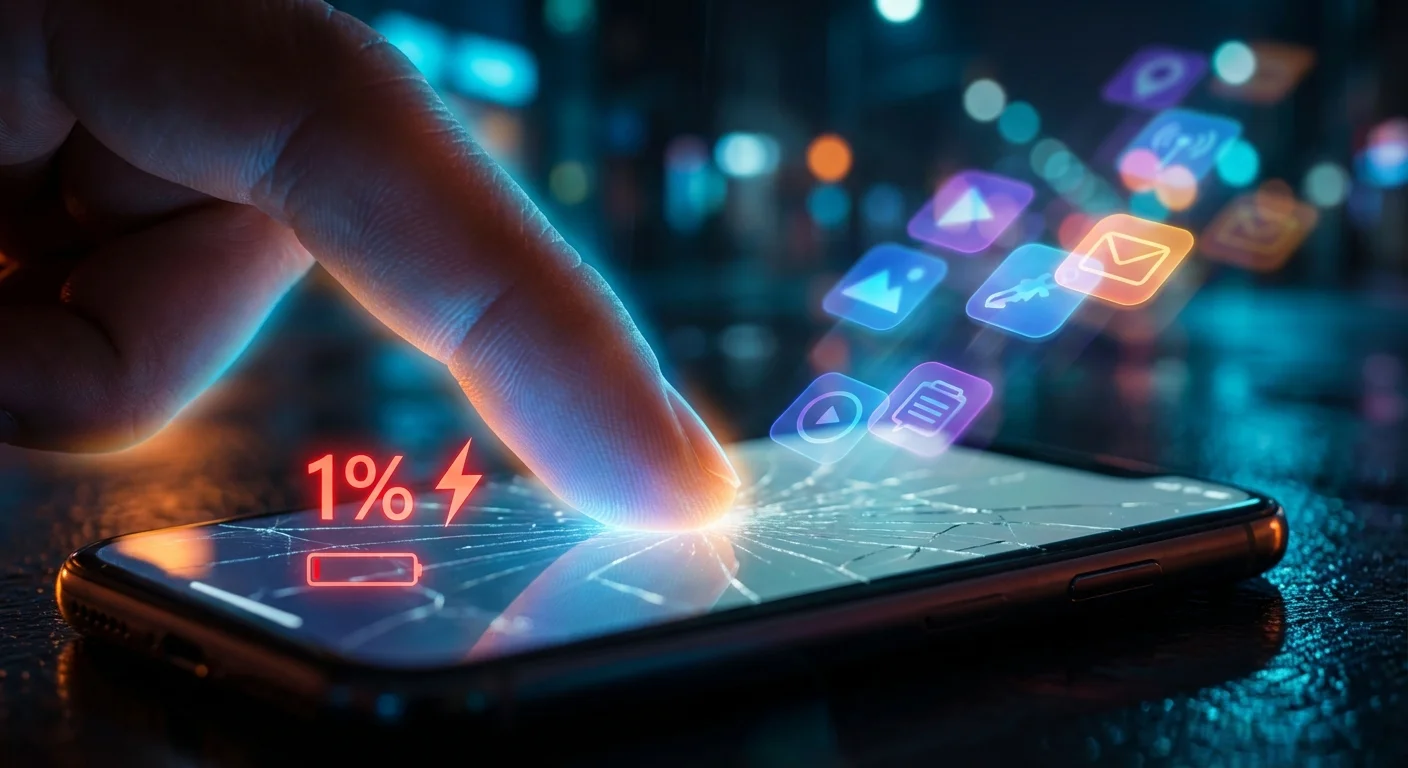
We have all been there. You are out and about, you look at the top right corner of your iPhone screen, and the dreaded red battery icon is staring back at you. Panic sets in. In a desperate attempt to squeeze out those last few drops of digital life juice, you open your app switcher and furiously start swiping up, force-closing every single app you have used over the past three days. It feels productive. It feels like you are giving your phone a much-needed break. But what if I told you that this deeply ingrained habit is actually doing the exact opposite of what you want?
For years, smartphone users have passed down battery-saving tips like sacred lore. Friends, family, and random internet forums have drilled certain habits into our minds. However, smartphone technology has evolved at a lightning-fast pace over the last decade. The lithium-ion batteries powering today’s flagship devices, combined with highly intelligent operating systems like iOS, handle power management in ways that make most of these old-school tips entirely obsolete. Worse yet, some of these outdated practices are actively harming your device’s overall lifespan.
If you find yourself constantly tethered to a charging cable or experiencing severe battery anxiety before your day is even halfway over, it is time to unlearn the bad habits. Today, we are going to debunk the top five most pervasive iPhone battery myths. By the time you finish reading this, you will know exactly what is draining your battery and how to actually fix it.
Let us tackle the biggest offender first. It is the most common smartphone myth in existence: the idea that apps sitting in the background are secretly draining your battery, eating up your RAM, and slowing down your phone. This makes logical sense to anyone who grew up using desktop computers in the 90s and early 2000s, where leaving twenty programs open would bring a machine to a grinding halt. However, your iPhone does not work like a 1998 Windows PC.
Apple’s iOS is a masterclass in resource management. When you leave an app and go back to your home screen, the app does not keep running freely. iOS freezes the app in a suspended state. In this suspended state, the app is temporarily stored in the device’s RAM, but it uses absolutely zero CPU power and zero battery. When you return to the app, it instantly unfreezes, allowing you to pick up exactly where you left off. Think of it like pausing a movie.
Here is where the real damage happens: When you manually force-close an app by swiping it away, you are completely removing it from the RAM. The next time you open that app, your iPhone has to load the entire application from scratch. It has to pull the data from your flash storage, spin up the processor, and rewrite it to the RAM. This cold-boot process requires a significant spike in CPU power, which directly translates to a massive hit on your battery life. In short, force-closing an app and reopening it later uses significantly more power than just leaving it suspended in the background. Even Apple’s own Craig Federighi, the Senior Vice President of Software Engineering, has explicitly confirmed that you should not force-close apps unless they are completely frozen or unresponsive.
This is another holdover from the days of nickel-cadmium batteries. In the past, leaving a device plugged in once it reached 100% could lead to overheating and significant degradation. People still warn each other, ‘Don’t leave your phone plugged in while you sleep, it will overcharge and ruin the battery!’
Modern smartphones use lithium-ion batteries, and they have built-in power management circuits that are incredibly smart. Once your iPhone reaches 100% charge, the hardware literally stops drawing power from the wall. It cannot ‘overcharge.’ Your phone will simply sit there, wait for the battery to naturally drop a tiny fraction of a percent, and then softly trickle charge back to 100%.
Furthermore, Apple introduced a feature called ‘Optimized Battery Charging’ in iOS 13. This AI-driven feature learns your daily charging routine. If you plug your phone in at 11 PM and usually wake up at 7 AM, your phone will charge to 80% and intentionally stop. It will wait in that safe 80% zone for most of the night, reducing the stress on the battery’s chemistry. Then, right before you wake up, it finishes charging the last 20%. As long as you have Optimized Battery Charging turned on in your settings, overnight charging is perfectly safe and highly recommended.
Have you ever been told that you need to ‘calibrate’ your battery by letting your phone die down to 0% and then charging it uninterrupted to 100%? This is known as the ‘memory effect.’ While the memory effect was a very real problem for older battery technologies, it does not exist for the lithium-ion batteries used in iPhones. In fact, doing this to a modern smartphone is actively destructive.
Lithium-ion batteries measure their lifespan in charge cycles. A single charge cycle is completed when you have discharged an amount that equals 100% of your battery’s capacity. These batteries actually prefer shallow discharges. Letting your phone drop to 0% puts extreme chemical stress on the battery cells. Deep discharging accelerates the degradation of the battery’s maximum capacity.
To get the longest overall lifespan out of your iPhone’s battery, you should ideally keep the charge between 20% and 80%. It is much healthier for the battery to be topped up in small increments throughout the day rather than being run into the ground and revived. Plug it in while you are at your desk, plug it in during your commute, and never intentionally let it hit zero.
We have all seen the terrifying news stories of cheap, knockoff chargers catching fire or completely frying a smartphone’s internal circuitry. Because of these stories, a myth has propagated that you must only use the expensive, official Apple-branded chargers and cables, otherwise your phone is doomed.
The reality is a bit more nuanced. It is absolutely true that you should avoid ultra-cheap, unbranded chargers from gas stations or dollar stores. These cheap bricks often lack the necessary safety chips that regulate voltage, meaning they can easily send a dangerous surge of power into your device. However, you do not need to buy exclusively from Apple.
Third-party chargers are perfectly safe, provided they are reputable and certified. Look for the ‘MFi’ (Made for iPhone) certification on the packaging. Brands like Anker, Belkin, UGREEN, and Nomad produce incredibly high-quality chargers, cables, and power banks that are often more durable and faster than Apple’s own accessories. As long as the charger supports USB Power Delivery (USB-PD) and comes from a trusted brand, your iPhone will safely negotiate the exact amount of wattage it needs without causing any damage whatsoever.
When the low battery warning hits, the first instinct for many users is to pull down the Control Center and toggle off Wi-Fi and Bluetooth. The belief is that these antennas are constantly searching for signals and draining the battery in the process. While this was true in 2010, it is largely a myth today.
Modern Bluetooth technology uses a standard called Bluetooth Low Energy (BLE). BLE is so incredibly efficient that leaving Bluetooth turned on all day uses less than 1% to 2% of your total battery. It is basically negligible. Wi-Fi is also highly optimized. In fact, keeping Wi-Fi turned on can actually save you battery. When your phone uses Wi-Fi to access the internet, it consumes significantly less power than it does when maintaining a cellular connection, especially if you are in an area with a weak 4G or 5G signal. Your phone straining to find a cell tower is one of the biggest battery killers in existence. Letting it connect to a stable Wi-Fi network takes the load off the cellular modem, preserving your battery life.
Now that your iPhone battery is perfectly optimized, turn your device into a true powerhouse with the Dreamteam Bot Bundle—access 100+ AI assistants directly from your phone!
If apps and Bluetooth aren’t the culprits, what is actually killing your battery? Here is what you should actually be paying attention to:
| The Myth | The Reality |
|---|---|
| Force-closing apps saves battery | It hurts battery life. Opening apps from scratch requires massive CPU power. |
| Overnight charging ruins the battery | Modern iPhones stop charging at 100%. Optimized Charging protects the chemistry. |
| Let the battery die to 0% before charging | Deep discharging damages lithium-ion cells. Keep it between 20% and 80%. |
| Only use Apple official chargers | Any high-quality MFi-certified third-party charger is perfectly safe. |
| Turn off Wi-Fi and Bluetooth to save power | Modern Wi-Fi and Bluetooth Low Energy use practically zero power on standby. |
It is time to let go of the battery anxiety. The engineers behind modern smartphones have built sophisticated software to manage power for you. By stopping the habit of force-closing your apps, leaving your Wi-Fi on, and embracing small top-up charges throughout the day, you will not only make your life easier, but you will significantly extend the lifespan of your device. Your iPhone works best when you simply let it do its job. So the next time you feel the urge to swipe up and kill all your apps, take a deep breath, lock your screen, and trust the technology.
Anything above 80% is considered optimal by Apple. Once your Maximum Capacity drops below 80% (which typically takes about two years of normal use), you may start noticing significant battery drain or unexpected shutdowns. At that point, it is recommended to get the battery replaced.
Yes! If you have an iPhone with an OLED screen (iPhone X, iPhone 11 Pro, iPhone 12 series and newer), Dark Mode can save a measurable amount of battery. OLED screens produce perfect blacks by simply turning off individual pixels, meaning any black space on your screen is consuming zero power.
Not at all. Low Power Mode is a fantastic feature that temporarily reduces background activity, lowers the screen refresh rate, and dims the display to stretch your remaining power. It is completely safe to use as often as you like, though your phone might feel slightly slower while it is active.
Wireless charging produces more excess heat than wired charging. Heat is the natural enemy of lithium-ion batteries and can accelerate degradation over time. However, high-quality MagSafe chargers manage this heat well, so while it might theoretically degrade the battery slightly faster over several years, the convenience is usually worth the minimal trade-off.