
 11
11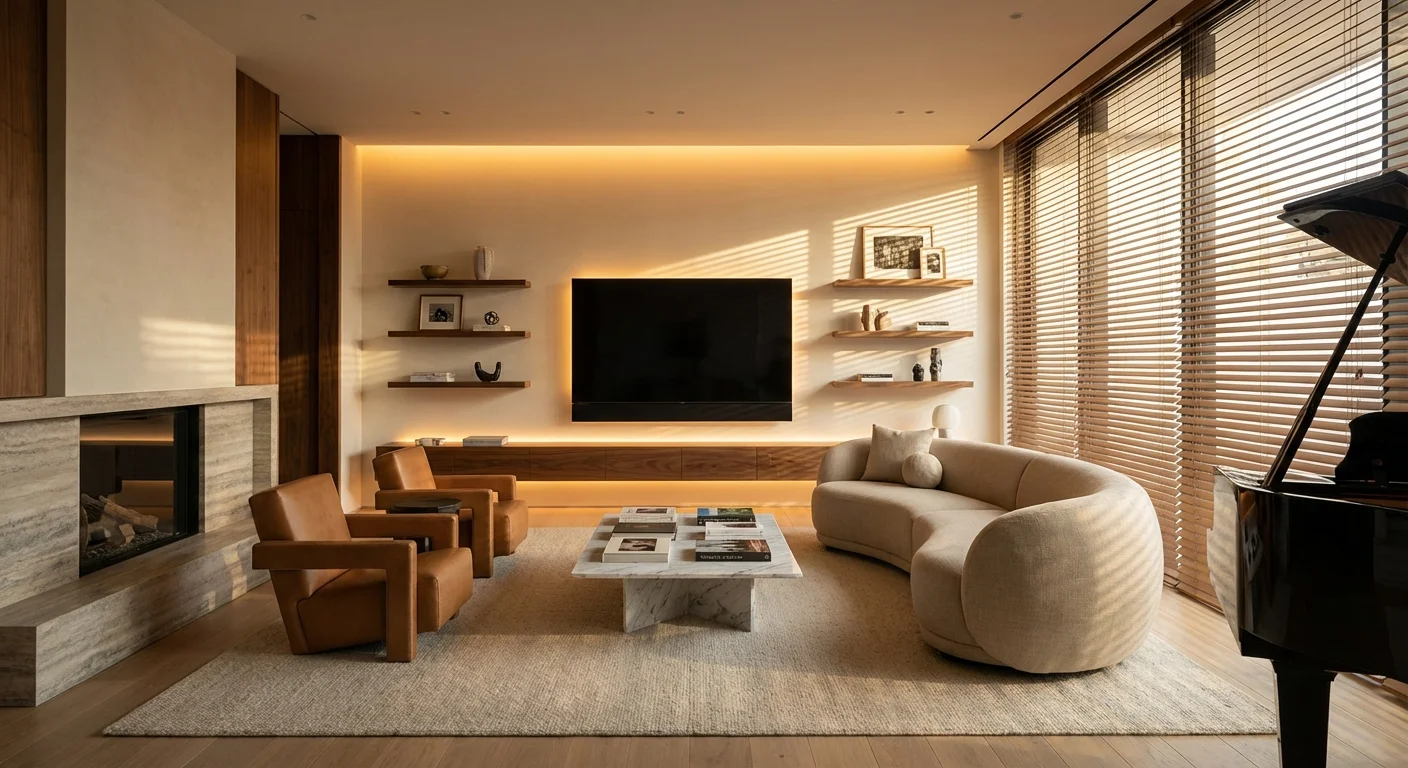
Have you ever walked into a high-end luxury apartment or a custom-built mansion and noticed what makes it feel so… expensive? It is rarely just the expensive Italian leather sofa or the marble countertops. More often than not, it is the experience of the space.
The lights seamlessly adjust to a warm, inviting glow as you enter the room. The curtains glide open perfectly to reveal the morning sun. The air smells subtly like a boutique five-star hotel. For decades, these automated, custom-tailored experiences were strictly reserved for the ultra-wealthy. You needed expensive contractors, miles of hardwiring behind your drywall, and custom server racks just to make your living room respond to a remote control.
Not anymore. Thanks to the massive boom in accessible consumer technology, you can replicate these exact luxury experiences for the cost of a takeout dinner.
If you want to elevate your living space, impress your guests, and enjoy the comforts of a billionaire’s smart home on a budget, you are in the right place. Here are 9 cheap smart home upgrades under $50 that will make your house look and feel instantly wealthy.
Nothing screams “builder-grade” like a single, harsh overhead light illuminating a room. Wealthy homes use layered lighting to create depth, mood, and architectural interest. The easiest way to achieve this? Smart LED strip lights.
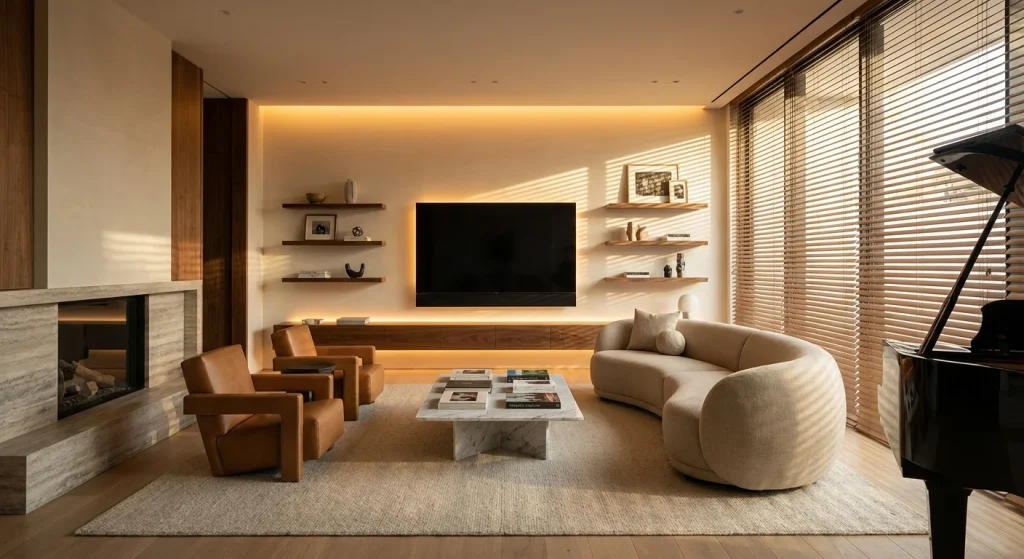
By placing a $20 smart Wi-Fi LED strip behind your television, under your kitchen cabinets, or behind a floating shelf, you create a stunning “floating” effect. To make it look truly expensive, avoid the harsh neon blues and reds. Instead, use your smart home app to set the LEDs to a warm white (around 2700K). You can automate them to turn on at sunset, giving your home an ambient, designer glow that looks like custom hardwired lighting.
Luxury is a multi-sensory experience. High-end hotels like the Ritz-Carlton or the Four Seasons pump signature scents through their HVAC systems to create an immediate feeling of relaxation and opulence as soon as you walk through the doors.
You can replicate this exact feeling with a smart Wi-Fi essential oil diffuser, which typically costs around $30 to $40. Unlike standard diffusers that run until they are empty, smart diffusers can be tied to your home’s automation. Set it to diffuse a “sandalwood and vanilla” scent 15 minutes before you arrive home from work, or sync it with your morning alarm. Walking into a beautifully scented home automatically elevates the perceived value of your space.
Waking up to your blinds automatically letting in the natural sunlight is the ultimate luxury flex. While custom motorized blinds from premium brands can cost thousands of dollars per window, there is a brilliant $40 workaround.
Retrofit smart blind motors can attach directly to the tilt wand or beaded chain of your existing blinds. In less than five minutes of installation, your cheap plastic or faux-wood blinds become voice-controlled smart blinds. You can set them on a schedule to close during the hottest part of the day to save on energy, or open gently at 7:00 AM to wake you up with natural light.
Clutter is the enemy of luxury. Cords draped over nightstands and kitchen counters instantly make a space look messy and chaotic. High-end custom furniture often comes with built-in, invisible charging stations.
You can achieve this look with an under-desk magnetic wireless charger. Costing around $35, these brilliant devices use a strong adhesive to stick under your wooden desk, nightstand, or side table. They emit a charging signal directly through the wood (up to 30mm thick). The result? You simply place your phone on the bare table surface, and it magically begins to charge. No wires, no clutter, pure magic.
As mentioned earlier, high-end homes rely heavily on layered lighting—specifically lamps. But walking around clicking on five different lamps every evening is a chore. Enter the humble smart plug.
A 4-pack of Wi-Fi smart plugs costs about $25. By plugging your existing floor and table lamps into these devices, you can group them together in your smart home app (like Alexa, Google Home, or Apple HomeKit). Create a scene called “Evening Relax.” With one voice command, or automatically at 6 PM, your harsh overhead lights turn off, and all your beautiful, warm lamps turn on simultaneously. It is a subtle shift that drastically alters the vibe of your home.
NFC (Near Field Communication) tags are the best-kept secret in the smart home world. You can buy a pack of 30 NFC stickers for under $10. These tiny stickers can trigger complex smart home routines simply by tapping your smartphone against them.
Guests will be absolutely blown away by this seamless, invisible control system.
Walking to the kitchen for a midnight glass of water shouldn’t require blinding yourself with hallway lights. Luxury homes often feature low-level architectural path lighting that fades on seamlessly as you walk.
You can buy rechargeable, battery-operated motion sensor LED puck lights or strips for under $30. Stick these underneath your bathroom vanity, along the baseboards of your hallway, or under the lip of each stair tread. When you walk past them at night, they will emit a soft, warm glow guiding your path. It looks incredibly sophisticated and requires exactly zero electrical wiring.
A touchless faucet instantly upgrades your kitchen or bathroom, making it feel like a high-end commercial or luxury residential space. However, replacing an entire faucet fixture can cost hundreds of dollars and require a plumber.
Instead, pick up a smart faucet infrared adapter for about $40. It screws directly onto the aerator of your existing sink. Keep the handle turned on, and simply wave your hand under the faucet to start the water flow. Not only does this look completely futuristic, but it also saves water and keeps your sink handle free of messy fingerprints while cooking.
When most people think of smart bulbs, they imagine harsh, neon “gamer” colors. But to make a home look wealthy, you want to lean into timeless aesthetics with modern technology under the hood.
Edison-style smart bulbs feature the beautiful, exposed glowing filaments of vintage industrial lights, but they connect directly to your Wi-Fi. Costing about $15 each, these look phenomenal in exposed fixtures, glass pendants, or cage lamps. You can dim them, adjust their warmth, and automate them—all while maintaining a highly sophisticated, designer aesthetic.
You have upgraded your house to run smoothly on autopilot—now it is time to let AI do the exact same thing for your career and digital life with the Dreamteam Bot Bundle featuring 100+ AI Assistants.
Here is a quick breakdown of how you can transform your home’s aesthetic without emptying your wallet.
| Upgrade | Estimated Cost | The “Wealthy” Impact |
|---|---|---|
| Bias LED Lighting | $20 | Creates depth and an architectural glow |
| Smart Diffuser | $35 | Gives your home a signature, high-end scent |
| Blind Tilt Motors | $40 | Automates natural light routines seamlessly |
| Invisible Charger | $35 | Eliminates cable clutter entirely |
| Smart Plugs | $25 | Enables one-touch layered lighting scenes |
| NFC Tags | $10 | Adds invisible, futuristic control points |
| Motion Path Lights | $30 | Provides gentle, automated midnight guidance |
| Touchless Faucet | $40 | Upgrades sinks to commercial luxury status |
| Vintage Smart Bulbs | $15 | Merges classic aesthetics with smart tech |
Do I need a smart home hub to use these cheap devices?
No! Most budget-friendly smart home devices available today connect directly to your home’s 2.4GHz Wi-Fi network. You can control them using their proprietary apps or connect them directly to Google Home, Amazon Alexa, or Apple HomeKit without buying a separate dedicated hub.
Will these devices slow down my Wi-Fi?
Smart home devices send very tiny packets of data, so they will not slow down your streaming or gaming. However, standard routers usually max out at around 30-40 connected devices. If you plan on adding dozens of smart bulbs and plugs, consider upgrading to a Mesh Wi-Fi system.
Are cheap smart home devices a security risk?
There is always a minor risk when connecting any device to the internet. To minimize this, only buy from reputable brands with good reviews, ensure your home Wi-Fi is secured with a strong password, and consider putting your smart home gadgets on a separate “Guest” network.
Can I use NFC tags if I have an iPhone?
Yes! iPhones (from iPhone XS and newer) have built-in background NFC reading. You can use the native Apple “Shortcuts” app to set up personal automations whenever your phone scans an NFC tag—no extra apps required.
How do I make colorful LED strips look classy?
The secret is color temperature. Avoid using raw primary colors like bright blue, red, or green, which can make a room look like a teenager’s gaming setup. Instead, set the color wheel to a soft, warm orange-white (2700K to 3000K). Keep the brightness between 30% and 50% for a subtle, high-end glow.