
 11
11
We make an average of 35,000 decisions a day. From what to eat for breakfast to how to structure a passive-aggressive email to a coworker, our brains are constantly burning fuel. A few weeks ago, I hit a wall of extreme decision fatigue. I was exhausted before my workday even began. That is when I looked at the glowing cursor of my screen and wondered: What if I just let AI do the thinking for me?
For seven uninterrupted days, I handed over the keys to my daily routine to an army of AI assistants. I am talking full control over my schedule, my meals, my fitness routine, my email replies, and even my evening leisure activities. My goal was simple: to see if artificial intelligence could cure my modern burnout. The results were nothing short of mind-bending, but the most surprising part wasn’t the hyper-productivity—it was the profound psychological shift I didn’t see coming.
Before diving into the experiment, I needed a rock-solid tech stack. I couldn’t just rely on a single chatbot; I needed specialized agents for different aspects of my life. Here is the “Board of Directors” I assembled:
The rules were non-negotiable: If the AI scheduled it, I did it. If the AI drafted it (with minor factual tweaks), I sent it. If the AI told me to eat a bizarre avocado-tuna concoction, I ate it.
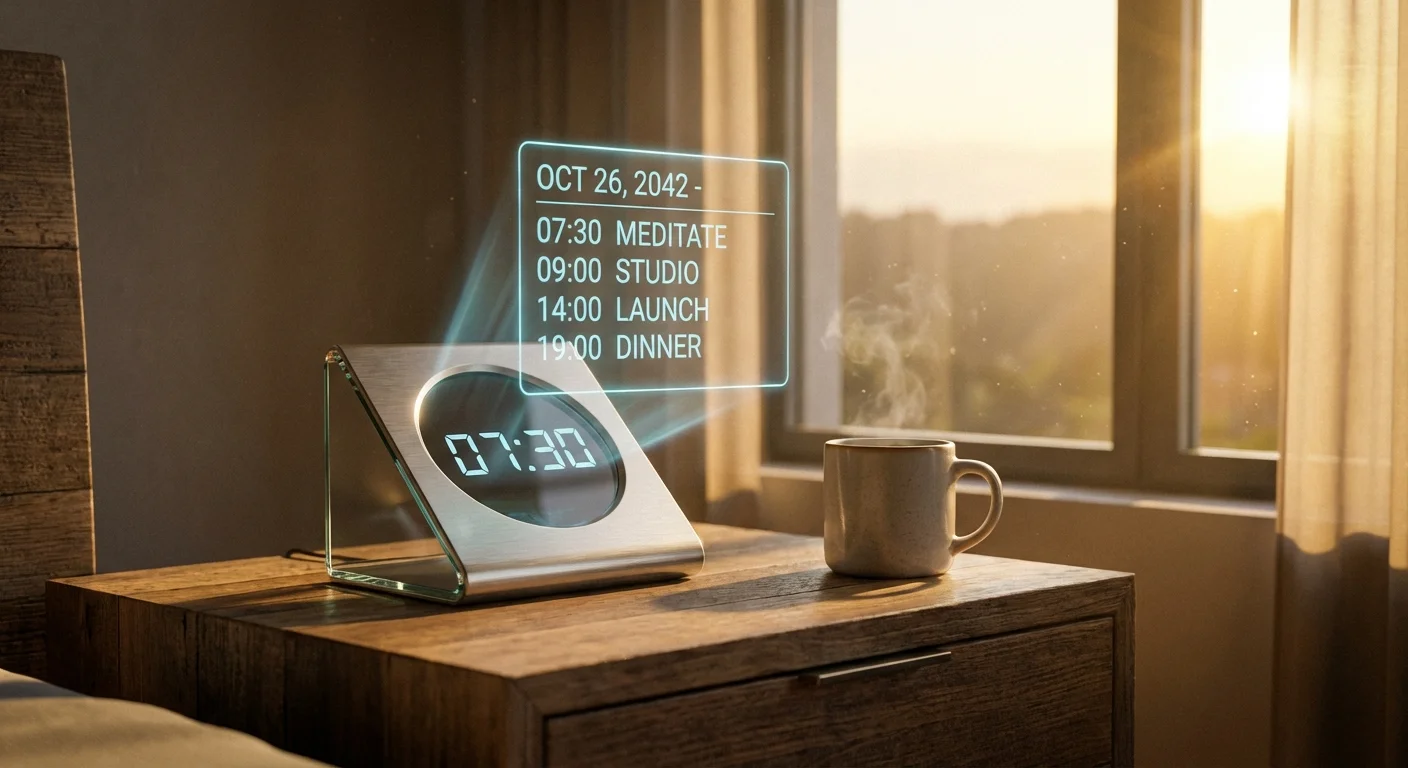
Day one started at 6:15 AM, exactly when my AI sleep tracker determined I was in my lightest sleep cycle. My phone screen displayed a wildly specific morning routine: Drink 12oz of water with Himalayan salt, perform 15 minutes of zone-2 cardio, and read 10 pages of a philosophy book.
Normally, I would spend 20 minutes just scrolling through social media trying to wake up. By removing the friction of choice, I was up and moving. By 8:00 AM, my AI chef had guided me through a high-protein breakfast using only the ingredients I had logged into its pantry database the night before. I felt like a Silicon Valley CEO with a full-time staff, minus the multi-million dollar payroll.
When I sat down to work, the magic truly began. Instead of staring blankly at a chaotic inbox, my AI assistants had already categorized my emails by urgency. I clicked a button, and Claude generated highly contextual, polite, and firm replies. A tedious client report that normally took me three hours was outlined, researched, and drafted in 22 minutes. By Day 3, I had shaved an average of 3.5 hours off my workday. I was floating on a cloud of algorithmic efficiency.
But by Thursday, the illusion of perfection began to crack. AI, for all its brilliance, lacks common sense.
First came the scheduling disaster. My AI calendar manager, determined to maximize every minute, scheduled a high-stakes Zoom presentation exactly four minutes after a high-intensity interval training (HIIT) session. I logged into a professional call dripping in sweat, panting heavily, and desperately trying to look composed. The AI didn’t understand that humans need time to shower.
Then came the “Creative Culinary Crisis.” I asked my AI chef for a quick dinner recipe using leftover chicken, Greek yogurt, and pasta. It confidently generated a recipe for a warm yogurt chicken pasta bake that curdled into a devastatingly unappetizing block of protein. It was a harsh reminder that AI doesn’t have taste buds. I went to bed hungry, questioning my allegiance to the machines.
As the weekend approached and the experiment wound down, I started noticing the deeper impacts of living an automated life. The hyper-productivity was great, but these three psychological shifts were what truly shocked me:
The mental silence I experienced by Day 6 was intoxicating. Because I wasn’t wasting cognitive energy deciding what to wear, what to eat, or what task to tackle first, my mind was incredibly sharp when it came to actual creative work. The “background noise” of daily logistics had been muted. I felt a profound sense of calm that I hadn’t felt in years.
I realized that several of my clients were likely also using AI to write their emails. I was using AI to read their AI-generated emails, and using my AI to reply to their AI. It felt absurd—a conversation between two robots masquerading as humans, passing pleasantries back and forth while the actual humans did other things. It made me wonder how much of our digital communication is just algorithms performing a polite dance.
Perhaps the most beautiful surprise was how the AI handled my free time. I asked it to plan a Saturday itinerary for me that involved “no screens, outdoor exploration, and a budget of $20.” It mapped out a route to a hidden botanical garden in my city I had never heard of, complete with a downloaded audio guide. By taking away my ability to default to Netflix, the AI forced me to engage with the real world.
| Metric | Before AI Routine | With AI Assistants |
|---|---|---|
| Average Daily Screen Time | 6 Hours, 45 Minutes | 4 Hours, 10 Minutes |
| Time Spent on Email | 90 Minutes / Day | 15 Minutes / Day |
| Workday Completion | 6:30 PM (often stressed) | 3:15 PM (relaxed) |
| Decision Fatigue Level | High (Frequent Burnout) | Very Low (Mental Clarity) |
Ready to automate your daily routine and eliminate decision fatigue? Get instant access to a curated bundle of over 100 specialized AI assistants designed to handle your work, life, and productivity.
When the seven days ended, I felt a strange sense of loss. I had grown accustomed to my invisible staff. Did I keep the AI in control? Yes and no. I fired the AI chef (my tastebuds demanded it), and I took back control of my leisure time. However, the AI calendar managers and email drafting bots have become permanent fixtures in my life. The ultimate lesson wasn’t that AI should replace the human experience, but rather that it should clear away the mundane rubble so we can actually enjoy the human experience.
Not necessarily. While some dedicated scheduling tools like Motion require a premium subscription, you can achieve 80% of these results using free or low-cost tools like the free tiers of ChatGPT, Claude, and Notion AI. The return on investment in terms of time saved usually outweighs the monthly costs.
Privacy is a valid concern. I strictly avoided feeding the AI highly sensitive financial data or confidential client information. When using these tools, always toggle on privacy settings that prevent your data from being used to train future language models.
It’s quite the opposite. AI takes over the “busywork” so you can redirect your energy toward high-impact, creative, or deeply personal tasks. It makes you hyper-efficient, not lazy. You still have to do the actual meaningful work; you just don’t have to waste time organizing it.
Start small. Don’t try to automate your whole life in one day. Begin by using an AI to draft your emails for a week, or use it to meal-prep and generate your grocery list. Once you get comfortable prompting the AI, you can gradually introduce it to more complex tasks like calendar management.