 11
11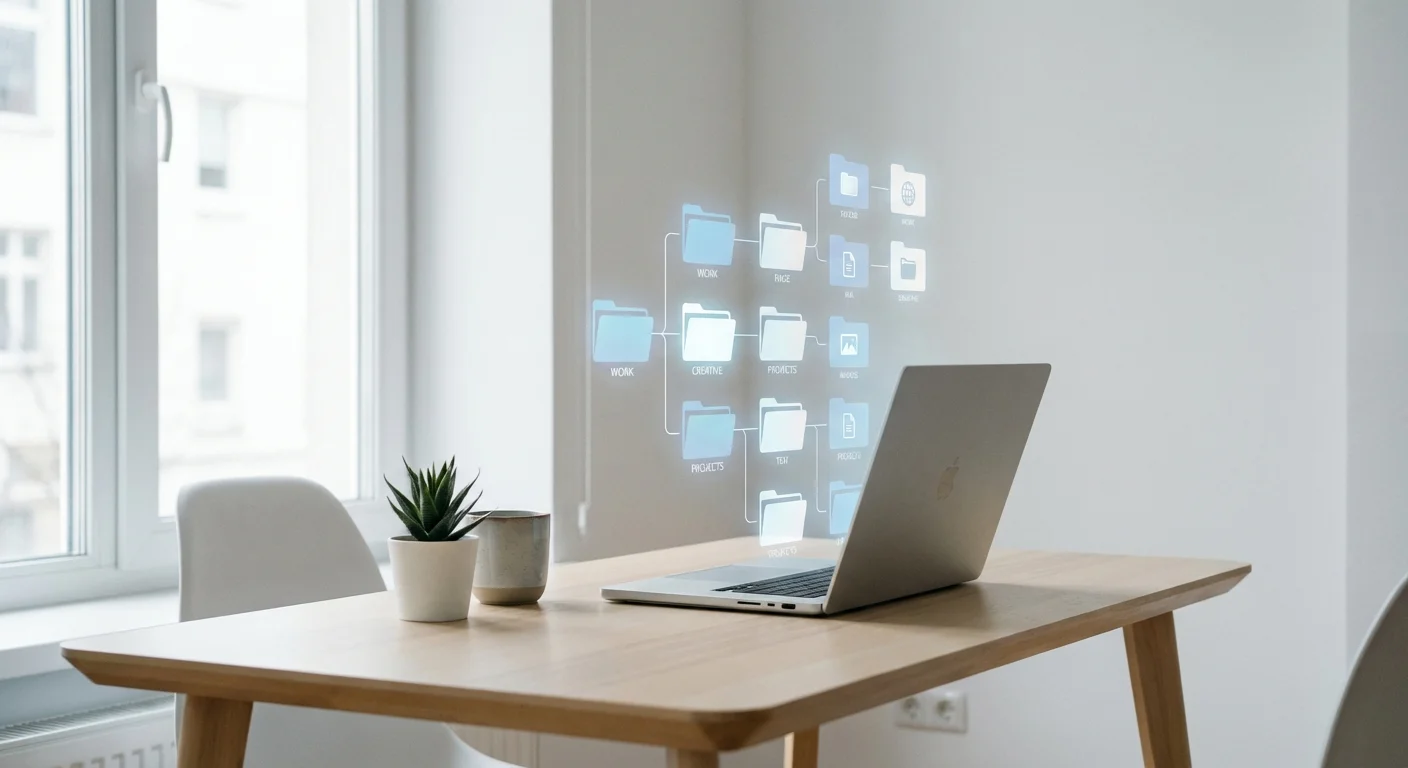
You unlock your phone, open your email, and there it is. The dreaded, anxiety-inducing notification: "Storage Almost Full."
For many of us, our digital lives are a reflection of our physical ones. A chaotic, disorganized cloud storage drive is the modern equivalent of a messy bedroom closet. It is filled with thousands of duplicate photos, outdated PDF downloads, blurry screenshots of recipes you will never cook, and files cryptically named "Final_Version_v4_FINAL.docx."
Digital hoarding does not just drain your wallet when you are inevitably forced to upgrade your storage plan; it drains your mental energy. Every time you have to spend ten minutes hunting for a crucial tax document or a specific family photo, your stress levels spike. But what if you could completely transform your digital ecosystem in the time it takes to drink your morning coffee?
Before we dive into the "how," we need to address the "why." Why do we hold onto digital junk? Unlike physical clutter, digital clutter is invisible. It does not trip you when you walk through the hallway, so it is incredibly easy to ignore until you hit a hard limit. Psychologically, we keep digital files out of a fear of letting go—a belief that we might need that 2017 travel itinerary or that meme we saved five years ago.
However, neuroscience tells us that visual and informational clutter overloads our senses, increasing cortisol (the stress hormone) and decreasing our ability to focus. Adopting a minimalist approach to your digital life is not just about saving gigabytes; it is about reclaiming your cognitive bandwidth.
You do not need a whole weekend to organize your digital life. In fact, dedicating a massive block of time often leads to decision fatigue, causing you to give up halfway through. The secret to sustainable digital minimalism is the 15-Minute Micro-Purge. By using a timer, you gamify the process and force yourself to make quick, ruthless decisions.
Start by eliminating the heavy hitters. In any cloud storage system (Google Drive, iCloud, Dropbox, OneDrive), a tiny percentage of files takes up the vast majority of your space. Do not waste time deleting 50-kilobyte text documents. Go straight for the massive video files and uncompressed archives.
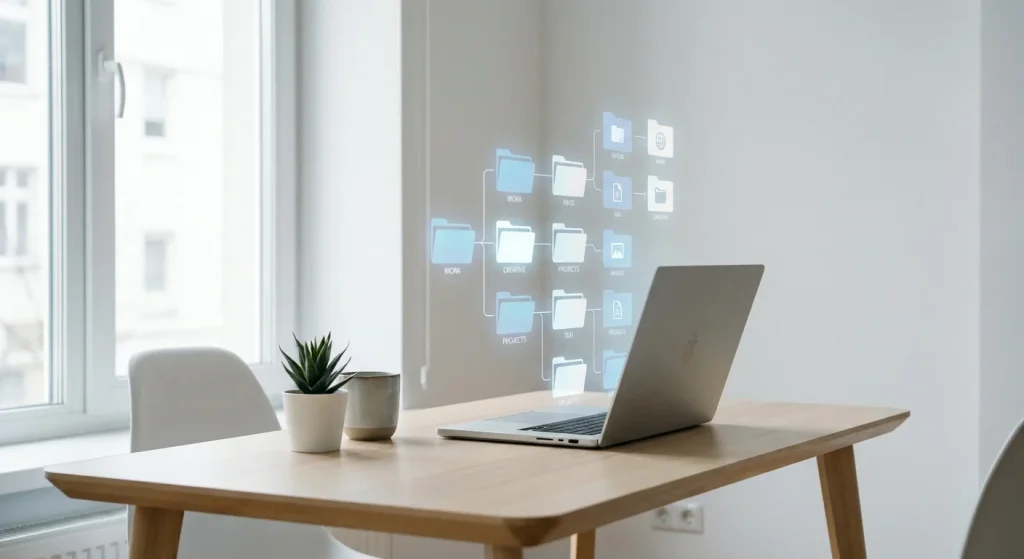
The biggest mistake people make is creating too many hyper-specific folders. When your folder system is too complex, your brain rebels, and you end up dumping everything into the main drive. Enter the Minimalist Rule of 3. Create only three master folders:
Move your existing mess into a temporary folder labeled "To Sort Later" and start fresh with these three master folders. You can gradually pull things out of the old folder as you need them.
Want to put your productivity and digital organization on absolute autopilot? Discover how top performers use AI to manage their time and tasks.
Screenshots are the ultimate digital parasites. We take them to remember a funny tweet, a Wi-Fi password, or an outfit idea, and then we never look at them again. On iOS, you can search "Screenshots" in the Photos app to see them all in one place. On Android, navigate to the dedicated Screenshots folder. Select all, uncheck the five or six that are actually important, and delete the rest. The relief you feel will be instantaneous.
Here is a handy cheat sheet to guide your next quick declutter session. Keep this near your desk!
| Time Block | Focus Area | Actionable Goal |
|---|---|---|
| 0:00 – 5:00 | Large Files & Downloads | Search by size (>50MB) and delete old videos, software installers, and ZIP files. Empty the trash. |
| 5:00 – 10:00 | Folder Restructuring | Implement the 3-Folder System (Active, Archive, Inbox). Move loose files into these designated zones. |
| 10:00 – 15:00 | Screenshots & Duplicates | Use built-in tools to identify duplicate images and mass-delete old, irrelevant screenshots. |
Decluttering is not a one-time event; it is a lifestyle habit. To maintain your newly organized cloud storage, adopt the "One-In, One-Out" rule. If you download a new movie or large software file, force yourself to delete an old one. Additionally, turn off automatic cloud syncing for folders that do not need it, such as your "Downloads" folder. Treat your cloud storage like a curated gallery, not a landfill.
By reclaiming your digital space, you are not just optimizing your hard drive—you are optimizing your mind. A clear screen leads to a clear head, paving the way for better focus, deeper work, and a profound sense of digital peace.
The fastest way is to target large files and hidden data. Search for "size:>100M" in the search bar to find and delete the largest files. Also, check Google Photos for uncompressed videos, and clear out your Gmail trash and spam folders, as they share the same storage quota.
Turn off the setting that automatically saves photos from messaging apps (like WhatsApp) to your camera roll. Regularly clear your web browser cache, delete podcasts you have already listened to, and uninstall apps you have not opened in over three months.
Paying for more storage is often a band-aid solution that encourages more digital hoarding. Before upgrading your plan, challenge yourself to a 15-minute digital declutter. If you still genuinely need more space for essential files after purging the junk, then an upgrade makes sense.
The PARA method, created by Tiago Forte, stands for Projects (active tasks), Areas (ongoing responsibilities like health or finances), Resources (topics of interest), and Archives (completed or inactive items). It is an excellent, slightly more advanced alternative to the simple Rule of 3 mentioned in this article.
Most cloud storage services have a "Trash" or "Recently Deleted" folder where deleted files are kept for 30 days before being permanently erased. If you make a mistake during your 15-minute purge, you have a 30-day safety net to recover the file.